
Security & Privacy
How to Protect Your Smartphone Data from Intruders, Kids, and Theft
A layered playbook for locking sensitive apps, handing your phone over safely, and surviving a stolen device without losing your data.
Jul 14, 2026 4 min read
A broader sweep than a pure photo cleaner — and the contact merge alone justifies the install for some people.
We independently evaluate recommended products and services. When you buy or install through links on this page, we may earn a commission. This never affects our testing or verdicts.
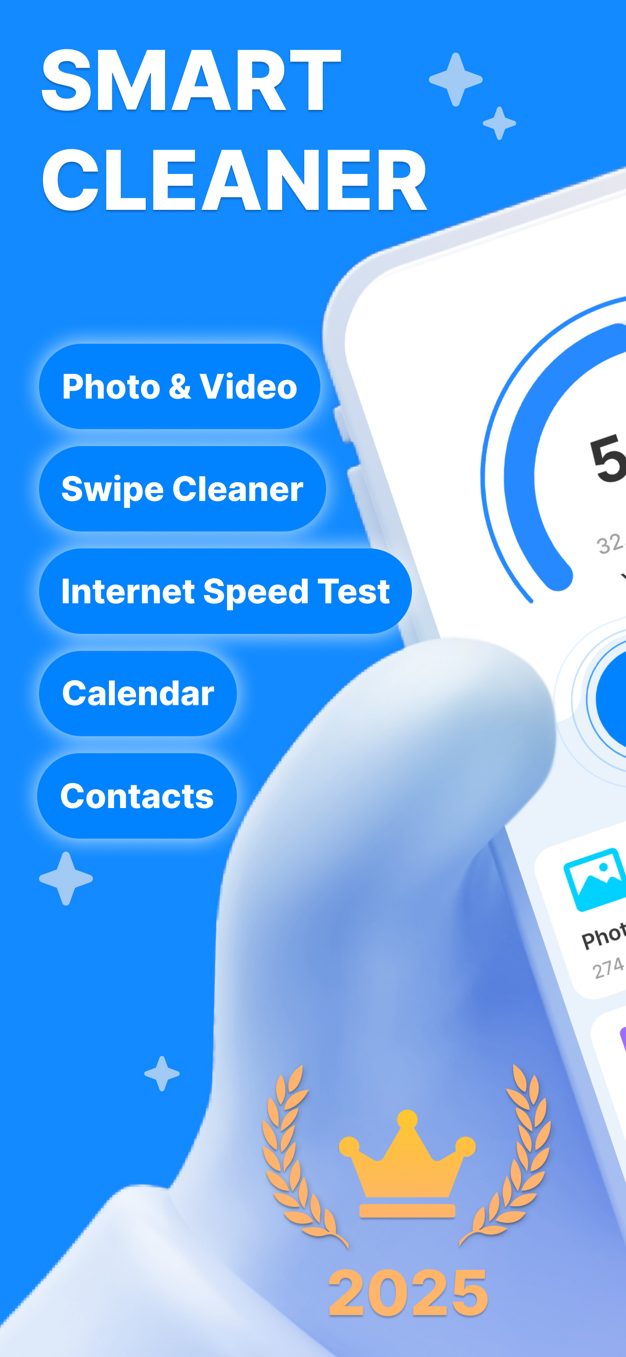
Where a photo cleaner asks 'which of these images can go', Smart Cleaner asks the broader question: what on this phone is duplicated, oversized or half-finished? Over a fortnight of use on a 256GB iPhone we ran it weekly to see whether the wider net kept paying out.

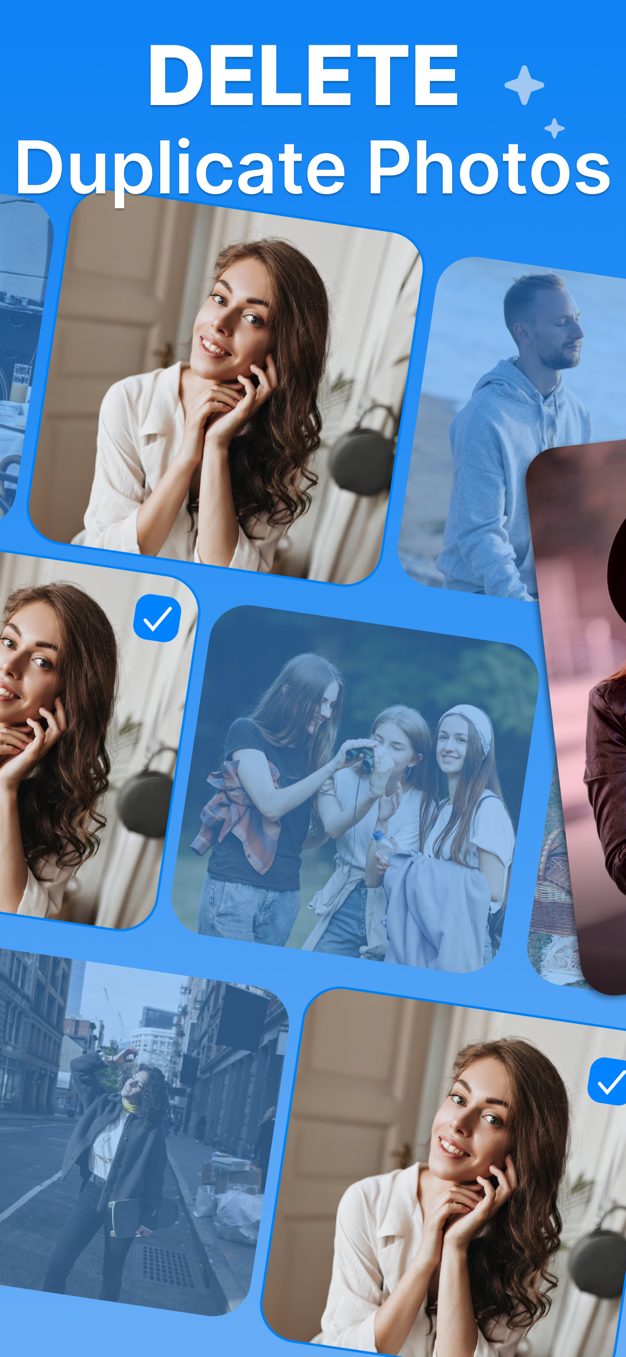
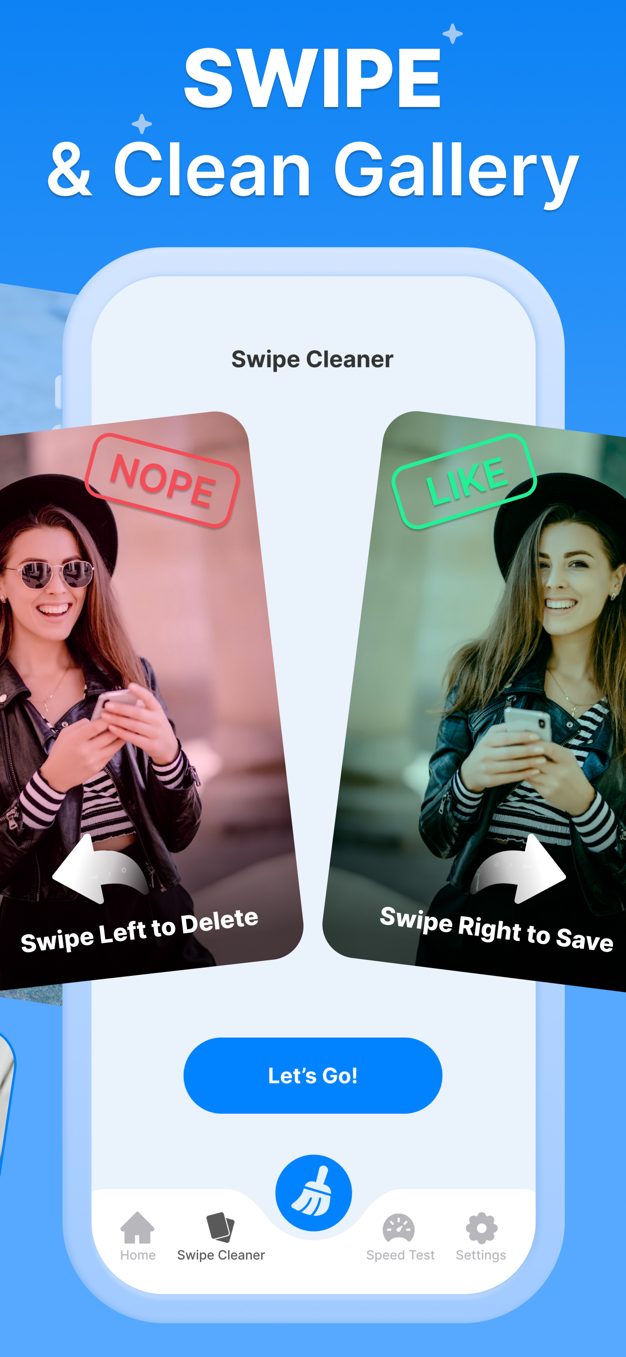
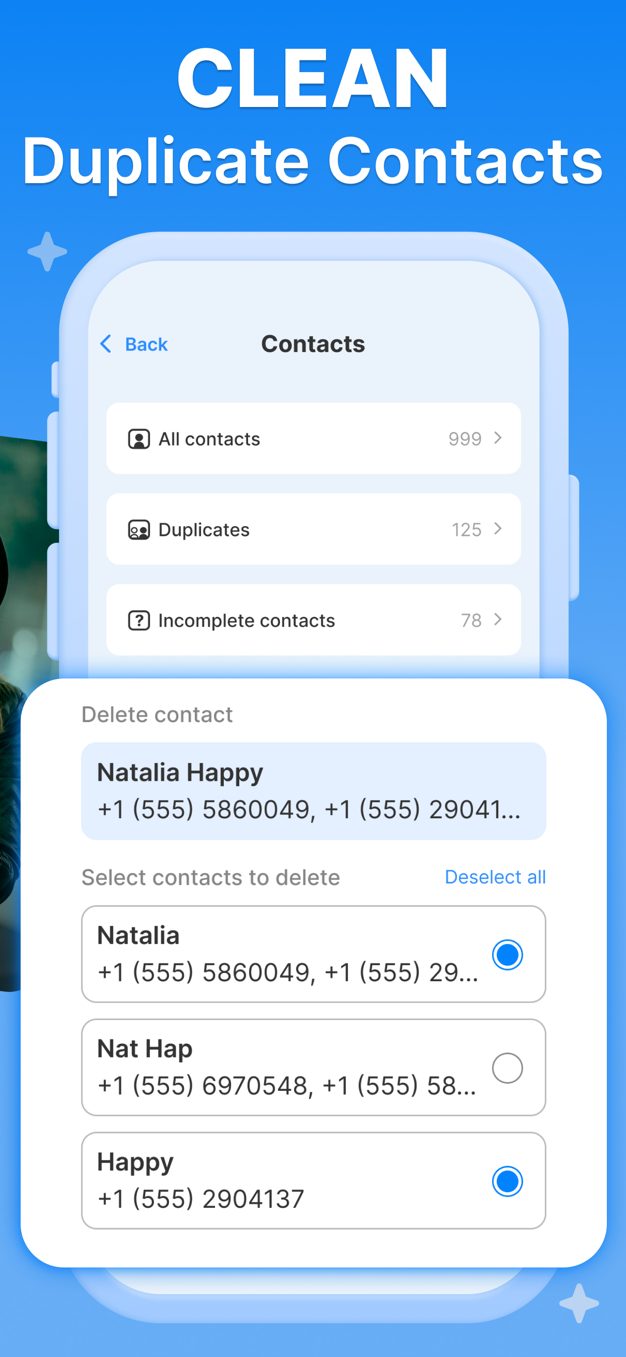

Compressing a 4K clip down recovers real space without losing the memory, and at normal viewing sizes the difference is hard to see. But it is lossy, and there is no undo once the original is removed — for footage you care about, archive to cloud storage first and compress second. Smart Cleaner is clear about which action it is taking, which is more than several rivals manage.
Cleaning apps are judged on the first run. Maintenance apps are judged on the fifth. This one holds up on the fifth.
“Quick and easy way for you to clean up your phone storage for future phone usage”
“Excellent”
“Did a great job”
What we liked
Worth knowing
A layered playbook for locking sensitive apps, handing your phone over safely, and surviving a stolen device without losing your data.
Stop friends, family and thieves from opening your private apps. A practical guide to per-app locks, unlock methods and the apps that make it easy.
Clear hidden caches, duplicate photos and bloated screenshot folders to free real space on iOS — without deleting anything you care about.
One email a week: storage wins, security settings worth changing, and the utilities that survived our testing.
No spam. Unsubscribe in one click.
15 in-depth guides and counting.