How to Protect Your Smartphone Data from Intruders, Kids, and Theft
Your lock screen is one layer. Real protection is four — and most of it takes an afternoon to set up.
NLNora LindqvistSenior Security Editor
July 14, 2026 4 min read
Security & Privacy
We independently evaluate recommended products and services. When you buy or install through links on this page, we may earn a commission. This never affects our testing or verdicts.
Key takeaways
A screen lock protects a sleeping phone, not an unlocked one you just handed to someone.
Lock the four app categories that matter: banking, messaging, gallery, email.
Turn on remote wipe and offline finding before you need them, not after.
Intruder capture turns a failed unlock into evidence.
Most phone security advice stops at 'use a strong passcode'. That advice is fine and mostly useless, because the moments your data is genuinely exposed are moments when the phone is already unlocked: your kid is playing a game, a colleague is scrolling your holiday photos, a repair shop needs your PIN, or a thief snatches a device mid-message. Each of those is a different threat and each needs its own layer.
Layer 1: Harden the lock screen
Start with a six-digit PIN or alphanumeric passcode instead of a four-digit one, and pair it with biometrics for daily convenience. Then audit what leaks past the lock screen — this is the step almost everyone skips.
Hide notification content on the lock screen so one-time codes and message previews stay private.
Disable the control centre, wallet and voice assistant while locked.
Turn off USB data access when the device is locked (iOS: USB Accessories; Android: USB debugging off).
Set auto-lock to 30 seconds. Every extra minute is an open door.
Layer 2: Lock individual apps
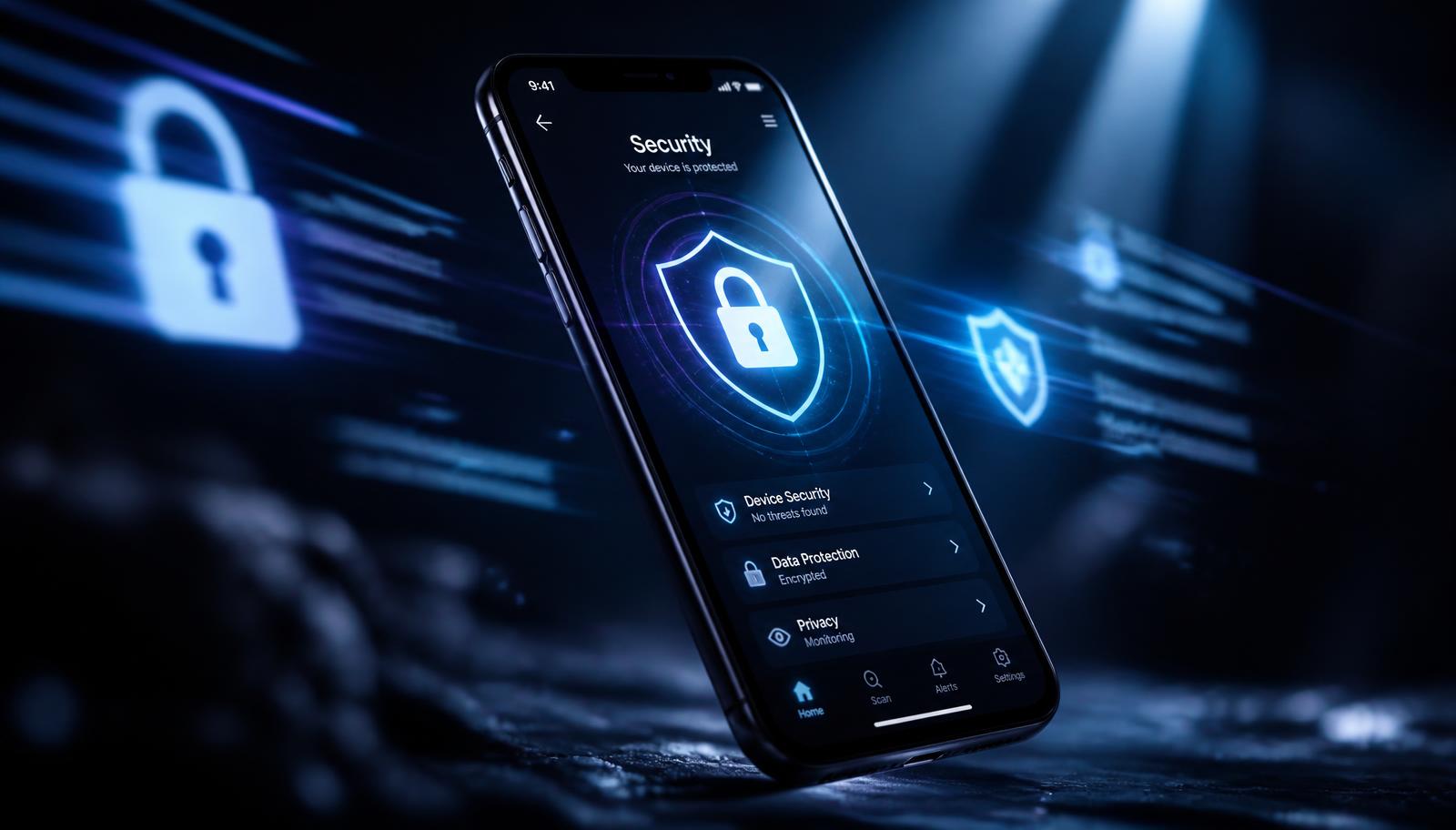
An unlocked phone is a shared phone. The fix is per-app locking: even after the device is open, a specific set of apps demands a second factor. Prioritise four categories — banking and payments, messaging, photo gallery, and email, because email is the reset key to everything else.
What good app locking looks like
Independent unlock method from the device passcode, so a shoulder-surfed PIN doesn't open everything.
Re-lock immediately on app switch, not after a timeout.
A media vault that removes files from the main gallery instead of just hiding them.
Intruder photo capture with a timestamp after failed attempts.
Layer 3: Safe hand-over and kid mode
When you pass the phone to a child or a stranger, don't rely on trust. iOS Guided Access pins the device to one app until you enter a code; Android supports a full guest user profile and app pinning. Both take under a minute to enable and both prevent the most common accidental data leak: a bored person swiping out of the app you handed them.
The threat model for most people is not a nation-state. It is the ten minutes their unlocked phone spends in someone else's hands.
Layer 4: Plan for theft before it happens
1.Enable Find My iPhone or Find My Device, including offline and 'send last location' options.
2.Turn on Stolen Device Protection (iOS) so passcode-only changes require biometrics plus a delay.
3.Write down your IMEI and store it somewhere off-device.
4.Set up an encrypted cloud or local backup so a remote wipe costs you nothing but the hardware.
5.Register a trusted contact who can help you lock accounts fast.
Run the whole checklist once and you have four independent layers: a hardened lock screen, per-app locks on sensitive data, controlled hand-over, and a recovery plan. Re-audit it twice a year, or any time you change phones — migration is when settings quietly reset to defaults.