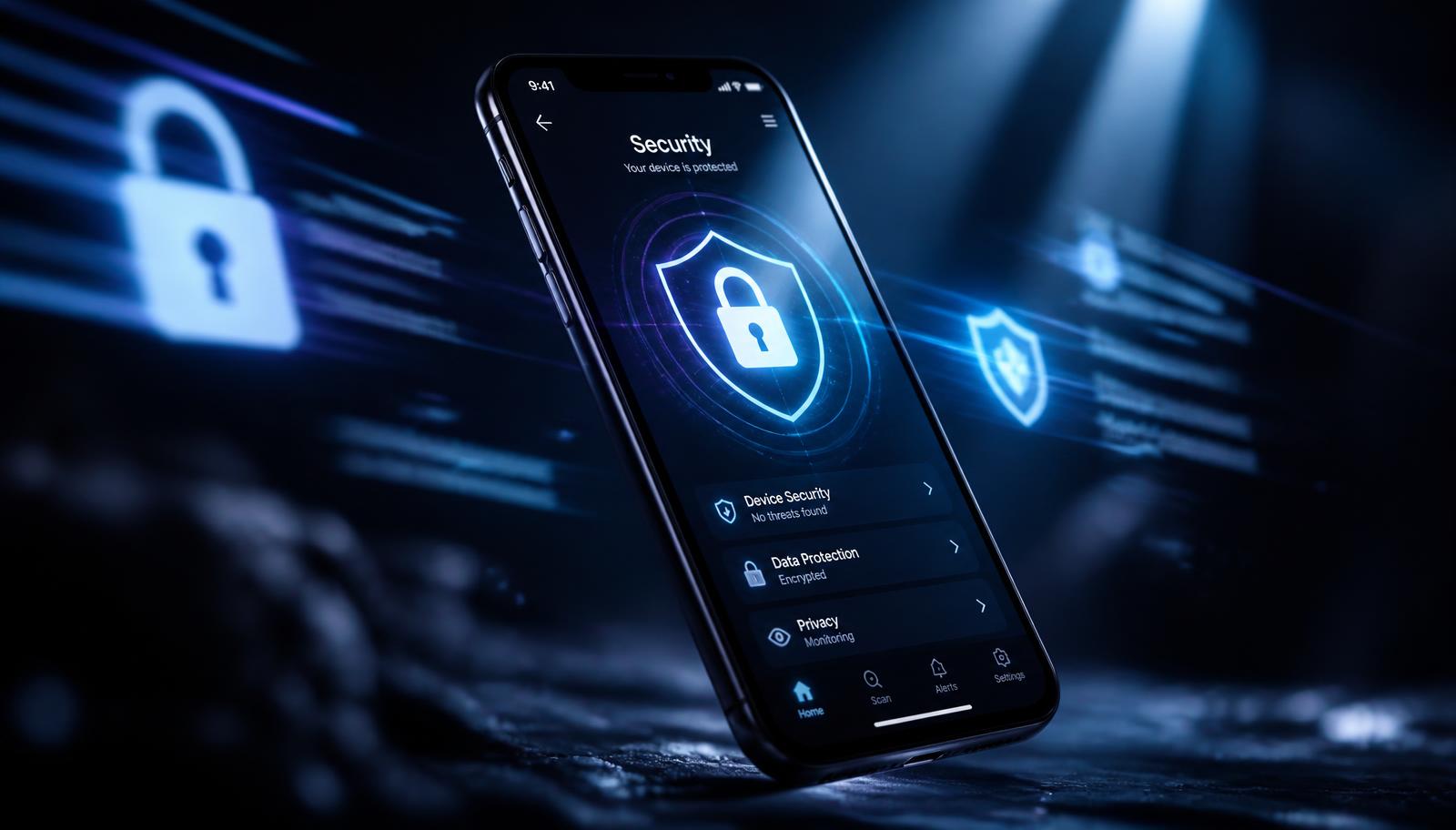
Security & Privacy
How to Protect Your Smartphone Data from Intruders, Kids, and Theft
A layered playbook for locking sensitive apps, handing your phone over safely, and surviving a stolen device without losing your data.
Jul 14, 2026 4 min read
Your lock screen stops strangers, but not the people you hand your unlocked phone to. Per-app locks close the gap.
We independently evaluate recommended products and services. When you buy or install through links on this page, we may earn a commission. This never affects our testing or verdicts.
Most Android security conversations begin and end with the lock screen. That is a mistake. The lock screen only works when the phone is asleep, and most privacy leaks happen while the device is awake: a child opening your banking app, a friend swiping through your gallery, a colleague borrowing the phone to make a call and reading a notification thread. Per-app locks are the layer that fixes those moments.
A strong PIN or fingerprint is excellent at stopping someone who picks your phone up off a table. It does nothing when you unlock it yourself and hand it across. Lending your phone for a photo, a navigation check or a quick game is a social transaction built on trust, but trust is not a security model. App locking lets you keep the convenience of an unlocked phone while controlling which doors are open.
A good app locker gives you options, because different situations call for different trade-offs between speed and secrecy. PIN codes are reliable but visible. Knock codes are discreet and harder to shoulder-surf. Fingerprint and biometric unlocks are fast, but they can be compelled in some jurisdictions and may not work with wet fingers or gloves.
You do not need to lock every app. Doing so turns your phone into a chore. Lock the apps that contain data you cannot explain away, reset easily, or afford to expose. For most people that is a short list: banking and payment apps, messaging apps, email, the photo gallery, and any social app with direct messages.
App locks are only as strong as the habits around them. The most common failure is using the same PIN as the lock screen, which means anyone who shoulder-surfs the device PIN now owns every locked app. Another is disabling the lock temporarily and forgetting to turn it back on.
The goal is not to make your phone Fort Knox. It is to make casual snooping more trouble than it is worth.
Some app lockers are packed with features you do not need: RAM cleaners, battery optimisers, browser locks and notification interceptors. Those extras drain battery, request broad permissions, and often make the app feel like bloatware. A lighter locker that does one thing well is easier to trust and more likely to stay installed.
Set it up once, lock the five apps that matter, choose an unlock method that fits your daily rhythm, and leave it running. The best privacy tool is the one that becomes invisible.
A layered playbook for locking sensitive apps, handing your phone over safely, and surviving a stolen device without losing your data.
Clear hidden caches, duplicate photos and bloated screenshot folders to free real space on iOS — without deleting anything you care about.
Storage pressure is the most common cause of a sluggish iPhone. Five tweaks that restore responsiveness and keep the device healthy long term.
One email a week: storage wins, security settings worth changing, and the utilities that survived our testing.
No spam. Unsubscribe in one click.
15 in-depth guides and counting.