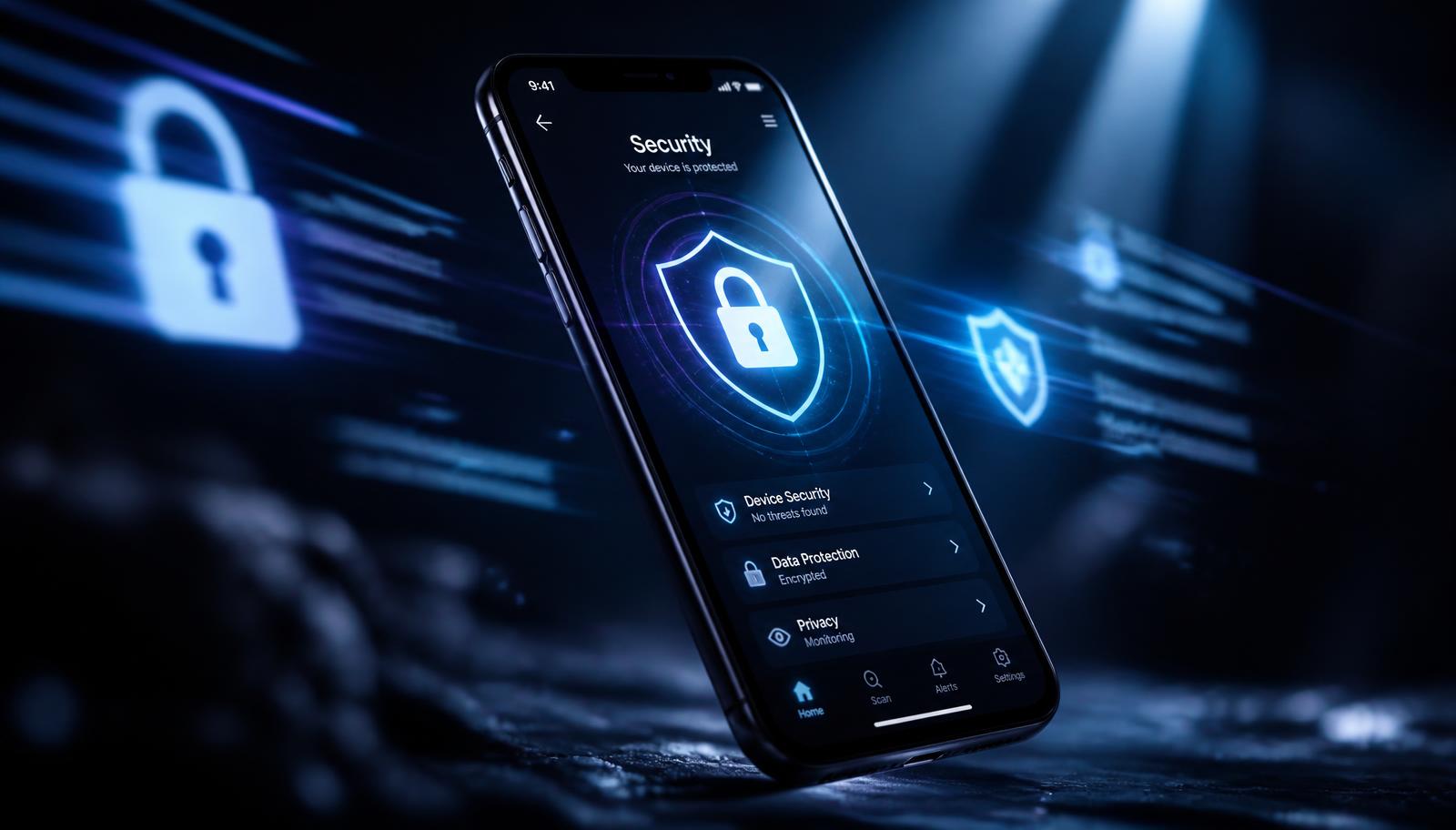
Security & Privacy
How to Protect Your Smartphone Data from Intruders, Kids, and Theft
A layered playbook for locking sensitive apps, handing your phone over safely, and surviving a stolen device without losing your data.
Jul 14, 2026 4 min read
The 'Other' category isn't a mystery. It's caches, and three of your folders are doing most of the damage.
We independently evaluate recommended products and services. When you buy or install through links on this page, we may earn a commission. This never affects our testing or verdicts.
Open Settings > General > iPhone Storage and let the recommendations load fully. That screen is the whole map: it ranks every app by combined app-plus-data size and shows a colour bar where 'System Data' absorbs everything iOS can't categorise. The plan below works top to bottom and should take about ten minutes.
A four-year-old camera roll is typically 30–60% redundant: burst frames, near-identical retakes, screenshots you needed for one afternoon, and screen recordings you never watched twice. Sorting through that manually in the Photos app is the reason nobody ever does it.
Safari: Settings > Safari > Clear History and Website Data. Streaming apps: delete downloaded episodes inside each app rather than the app itself. Then enable Offload Unused Apps — iOS removes rarely used binaries and keeps their data, so a reinstall restores you exactly where you left off.
System Data shrinks on its own once you stop feeding it. Clearing caches manually every week is wasted effort; clearing them quarterly is maintenance.
Finish by turning on Optimise iPhone Storage in Photos if you use iCloud. Full-resolution originals stay in the cloud, device-sized versions stay local, and the camera roll stops growing linearly with every trip you take.
A layered playbook for locking sensitive apps, handing your phone over safely, and surviving a stolen device without losing your data.
Stop friends, family and thieves from opening your private apps. A practical guide to per-app locks, unlock methods and the apps that make it easy.
Storage pressure is the most common cause of a sluggish iPhone. Five tweaks that restore responsiveness and keep the device healthy long term.
One email a week: storage wins, security settings worth changing, and the utilities that survived our testing.
No spam. Unsubscribe in one click.
15 in-depth guides and counting.