
Security & Privacy
How to Protect Your Smartphone Data from Intruders, Kids, and Theft
A layered playbook for locking sensitive apps, handing your phone over safely, and surviving a stolen device without losing your data.
Jul 14, 2026 4 min read
Twenty thousand photos is not a memory archive — it is a search problem. A repeatable album structure and one duplicate sweep fix both at once.
We independently evaluate recommended products and services. When you buy or install through links on this page, we may earn a commission. This never affects our testing or verdicts.
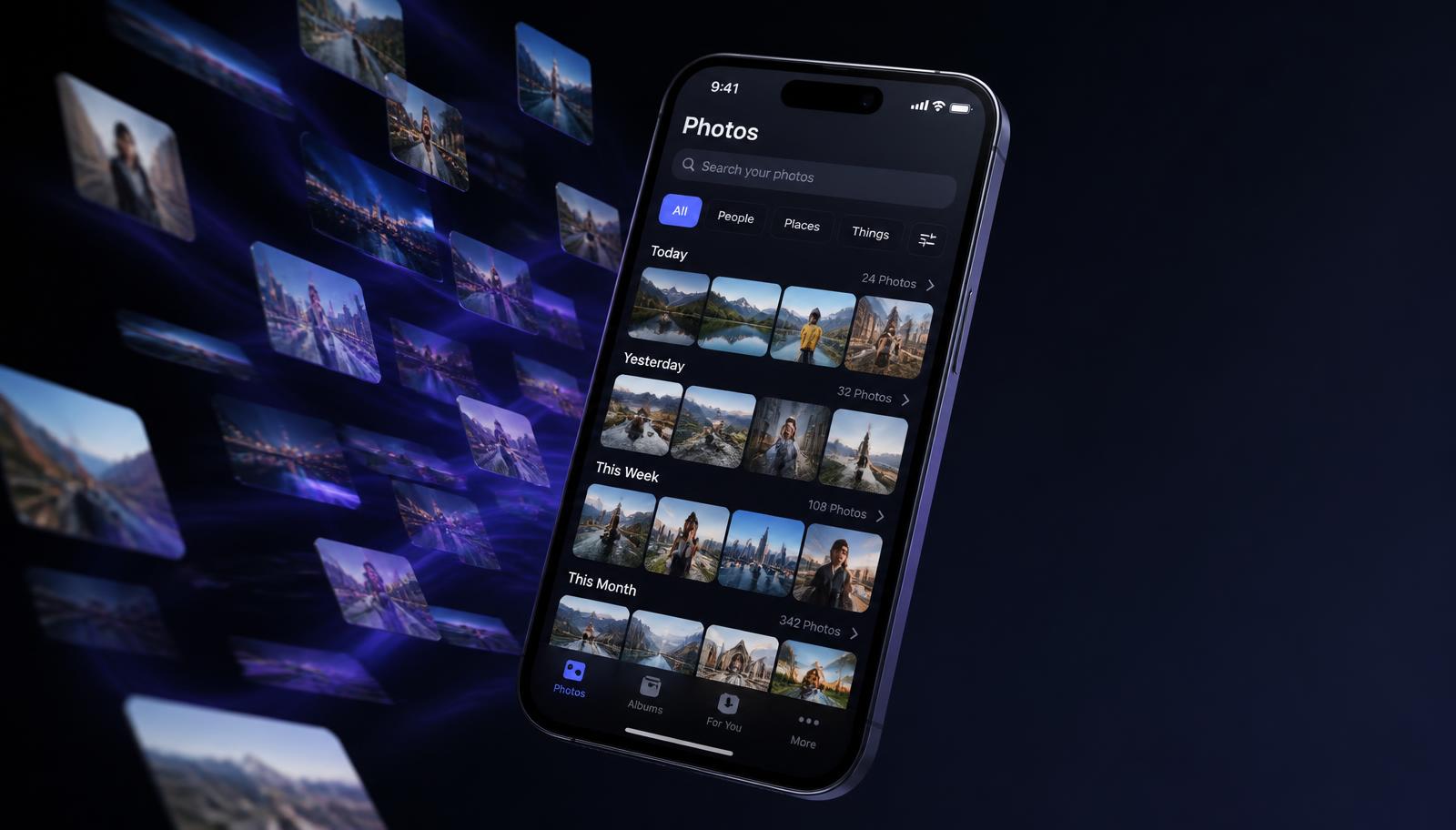
Most photo libraries are not disorganised so much as unstructured: a single endless scroll where the shot you want sits somewhere between a receipt screenshot and eleven attempts at the same sunset. Organising it properly is a one-off afternoon plus a five-minute habit — and the payoff is a gallery you can search in seconds and several gigabytes back.
The single biggest mistake is running multiple organisational logics at once: some albums by year, some by holiday, some by person, a couple by 'stuff to sort'. Pick one primary axis and let everything else be a filter. For most people the strongest structure is a shallow one — a small number of top-level albums that never grows past what fits on one screen.
Then do the initial sort in bulk, not photo by photo. Select by date range — a whole holiday at once — and move it into its album in a single action. A gallery app with multi-select, drag-to-select and quick album creation turns what feels like a week of tapping into an hour of skimming.
Duplicates arrive from three places: burst shots and repeated attempts at the same frame, images saved twice by messaging apps and downloads, and re-imported copies from backups or device migrations. Deleting them by eye is hopeless past a few thousand photos, because near-identical is not the same as identical — the file sizes differ, so simple file matching misses most of them.
Deleting near-identical shots is not losing memories. It is keeping the one frame you would actually print.
One safety rule before any bulk delete: confirm what your cloud backup is doing. If your gallery syncs to a cloud service, deletions usually propagate — so make sure the copy you are keeping is the one that syncs, and let the trash sit its 30 days before you consider the job final.
Passport scans, bank letters, medical results and private photos should not live in the same scroll you hand to a friend to show holiday pictures. Move them into a locked or hidden album protected by a PIN or your fingerprint. It costs nothing, takes a minute, and removes the most common cause of accidental over-sharing — swiping one photo too far.
Organisation decays without maintenance, but the maintenance is trivial once the structure exists. Once a month, do a single pass: file the last few weeks into their albums, favourite the keepers, run a duplicate scan and empty the trash. Five minutes a month is the difference between a library you can search and the endless scroll you started with.
A layered playbook for locking sensitive apps, handing your phone over safely, and surviving a stolen device without losing your data.

Stop friends, family and thieves from opening your private apps. A practical guide to per-app locks, unlock methods and the apps that make it easy.
Clear hidden caches, duplicate photos and bloated screenshot folders to free real space on iOS — without deleting anything you care about.
One email a week: storage wins, security settings worth changing, and the utilities that survived our testing.
No spam. Unsubscribe in one click.
15 in-depth guides and counting.