Security & Privacy
How to Protect Your Smartphone Data from Intruders, Kids, and Theft
A layered playbook for locking sensitive apps, handing your phone over safely, and surviving a stolen device without losing your data.
Jul 14, 2026 4 min read
Most camera rolls are not full of memories. They are full of duplicates, screenshots and blurry retries hiding the twenty photos you actually care about.
We independently evaluate recommended products and services. When you buy or install through links on this page, we may earn a commission. This never affects our testing or verdicts.
A 40,000-photo camera roll is not a memory archive; it is a landfill with a search bar. The photos you would actually rescue from a house fire are in there somewhere, buried under six near-identical shots of the same sunset, a year of receipts you photographed once, and every screenshot you have ever taken. Cleaning it up is not about deleting memories. It is about making them findable — and reclaiming several gigabytes on the way.
Photos rarely cripple a modern Android device on their own, but they hurt in three indirect ways. Thumbnail caches balloon and get rebuilt, media scans take longer after every reboot, and once storage passes roughly 85 percent full, the filesystem has less room to work with and everything from app installs to camera capture starts stuttering. Trimming the roll is one of the few cleanups with an immediately noticeable effect.
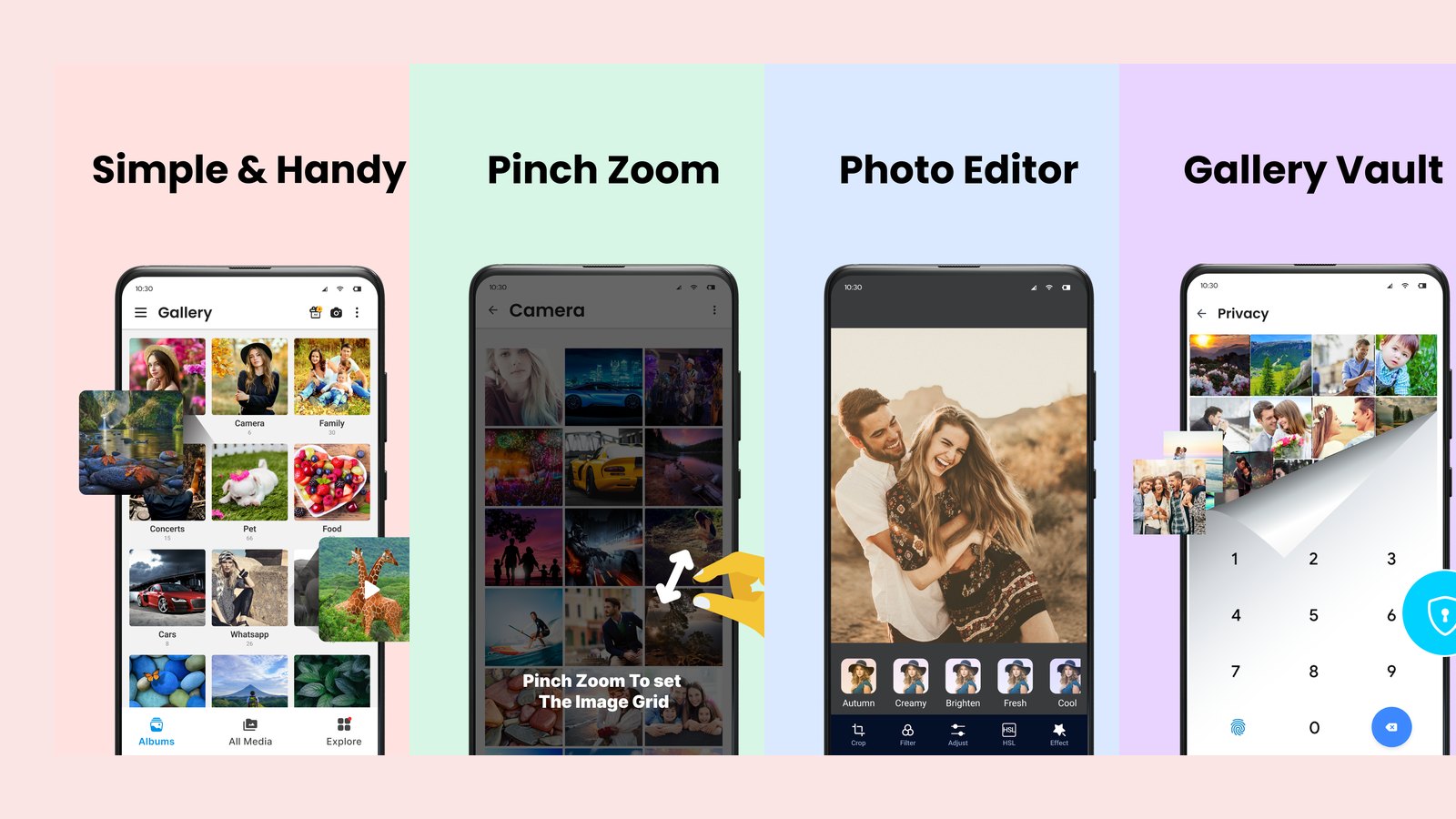
Deleting from an unsorted roll is how people lose photos they wanted. Sort first, by folder path and by size, and the structure of your library becomes obvious: WhatsApp and Telegram folders full of forwarded images, a Screenshots folder measured in thousands, a Camera folder that holds the actual keepers, and a handful of huge videos accounting for a surprising share of the total.
Duplicates arrive from every direction: you re-download a photo someone sent you, an editing app saves a copy, a burst captures fourteen frames of a child blinking. This is the single largest reclaimable category in most libraries and the safest to clear, because by definition you are keeping one copy of everything.
You are not deleting memories. You are deleting the fourteen failed attempts standing in front of the one that worked.
Once the noise is gone, structure the rest. Resist the urge to build a taxonomy with forty categories; you will not maintain it. Five or six albums covering the things you look for repeatedly — family, travel, documents, pets, work — will cover the vast majority of searches, and everything else can stay in the chronological roll where search will find it.
Photos of passports, insurance cards, forms and receipts are the most sensitive images most people carry, and they sit in the same roll you hand to a friend to show holiday snaps. Move them somewhere locked.
A folder named 'Private' is an invitation. A vault is a different thing: media is moved out of the public gallery index and behind a PIN or password, so it does not appear when someone swipes through your photos or when another app scans your storage. Anything you would not want visible over your shoulder belongs there — ID documents, financial paperwork, personal photos.
A gallery you have curated is faster to browse, faster to back up and considerably less stressful to hand over. Do the big pass once, then keep it honest with a short quarterly sweep, and your phone will hold on to the memories worth keeping without holding on to everything else.
A layered playbook for locking sensitive apps, handing your phone over safely, and surviving a stolen device without losing your data.
Stop friends, family and thieves from opening your private apps. A practical guide to per-app locks, unlock methods and the apps that make it easy.
Clear hidden caches, duplicate photos and bloated screenshot folders to free real space on iOS — without deleting anything you care about.
One email a week: storage wins, security settings worth changing, and the utilities that survived our testing.
No spam. Unsubscribe in one click.
15 in-depth guides and counting.