Security & Privacy
How to Protect Your Smartphone Data from Intruders, Kids, and Theft
A layered playbook for locking sensitive apps, handing your phone over safely, and surviving a stolen device without losing your data.
Jul 14, 2026 4 min read
Forty thousand photos, ten minutes of swiping, eleven gigabytes back. The maths works.
We independently evaluate recommended products and services. When you buy or install through links on this page, we may earn a commission. This never affects our testing or verdicts.
The reason most people never clean their camera roll is that reviewing photos one at a time in the stock app is tedious enough to abandon by photo two hundred. Easy Clean's contribution is interaction design: it stacks your library like a deck of cards and asks a single binary question at a time.
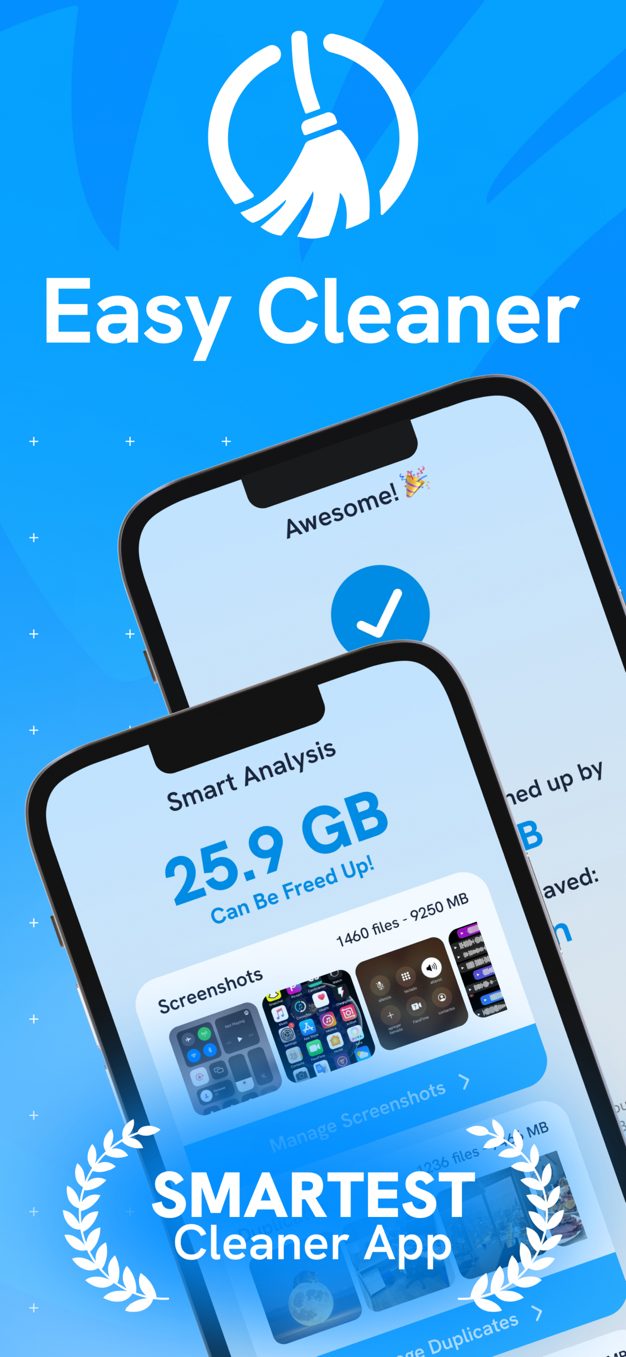
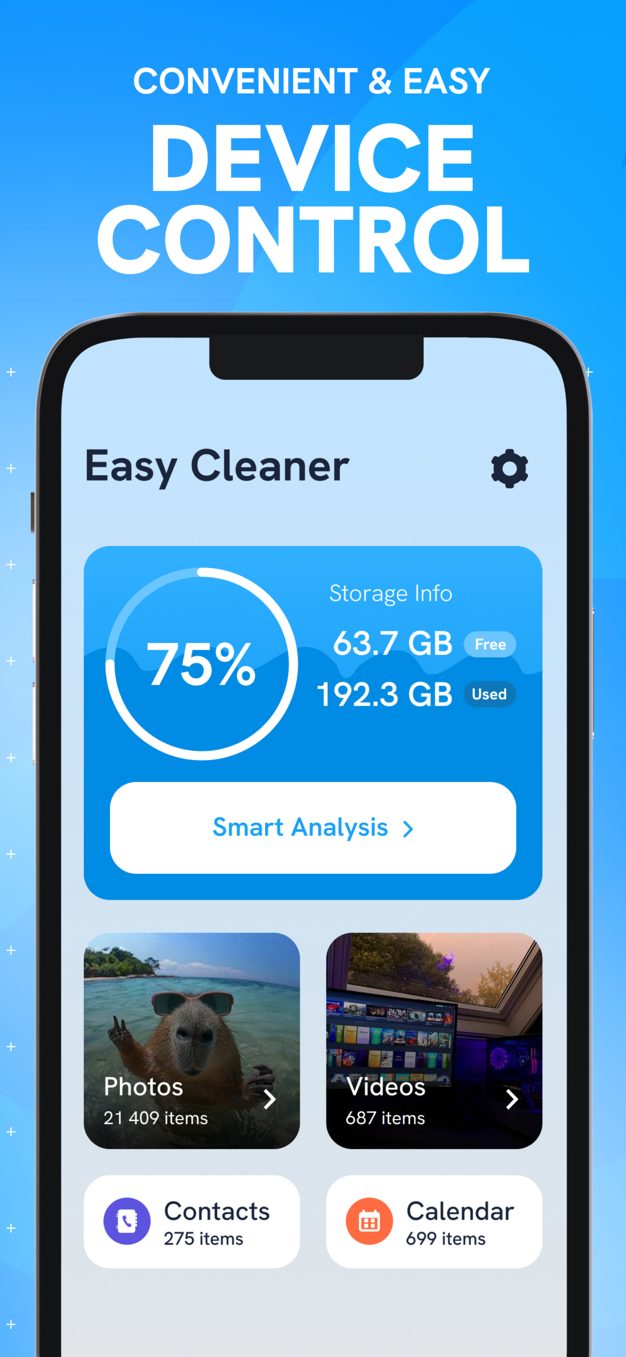
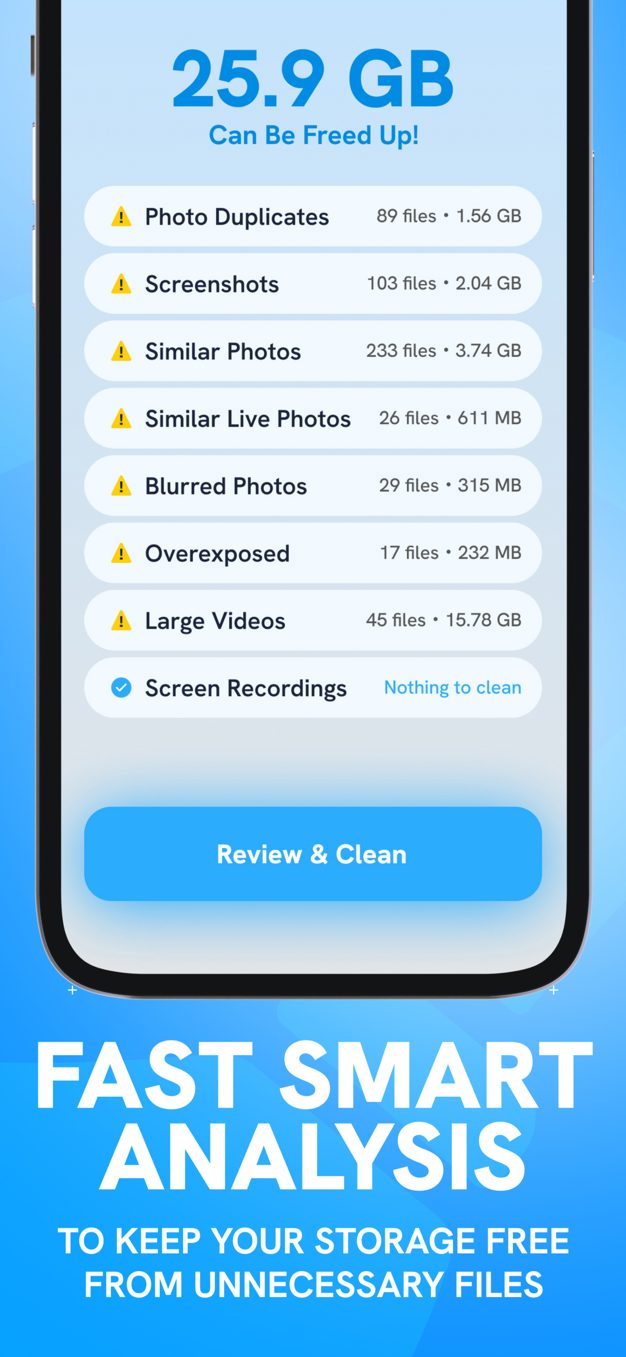
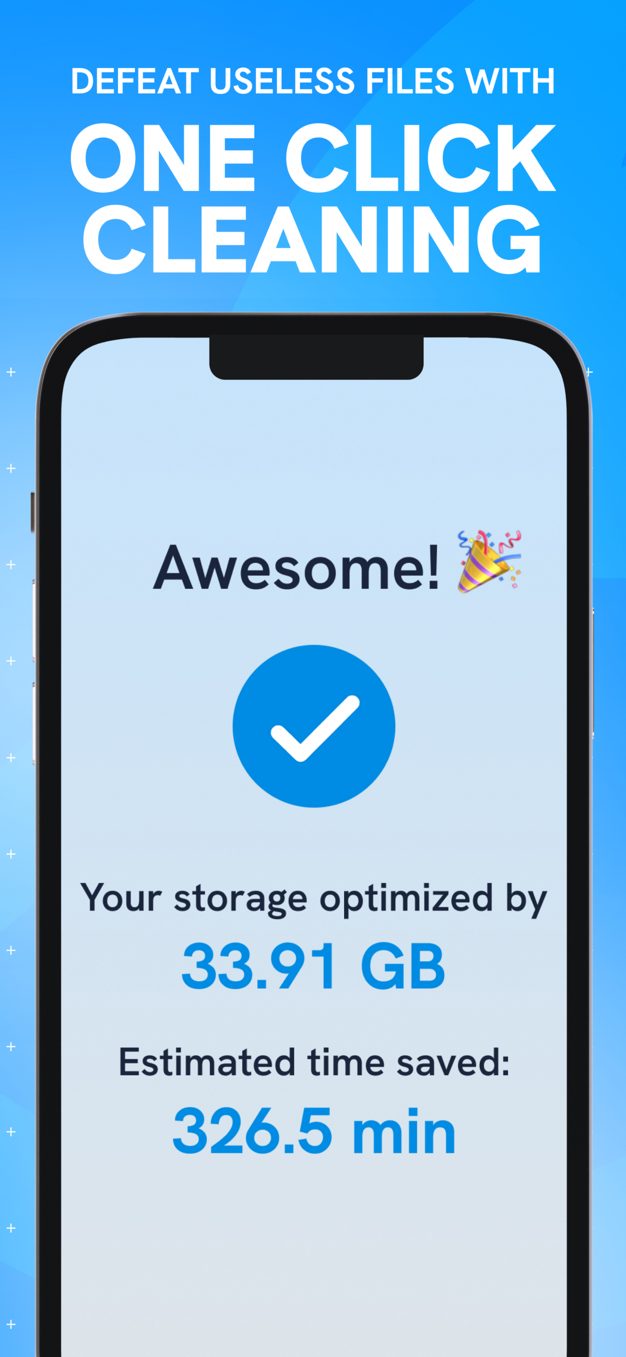
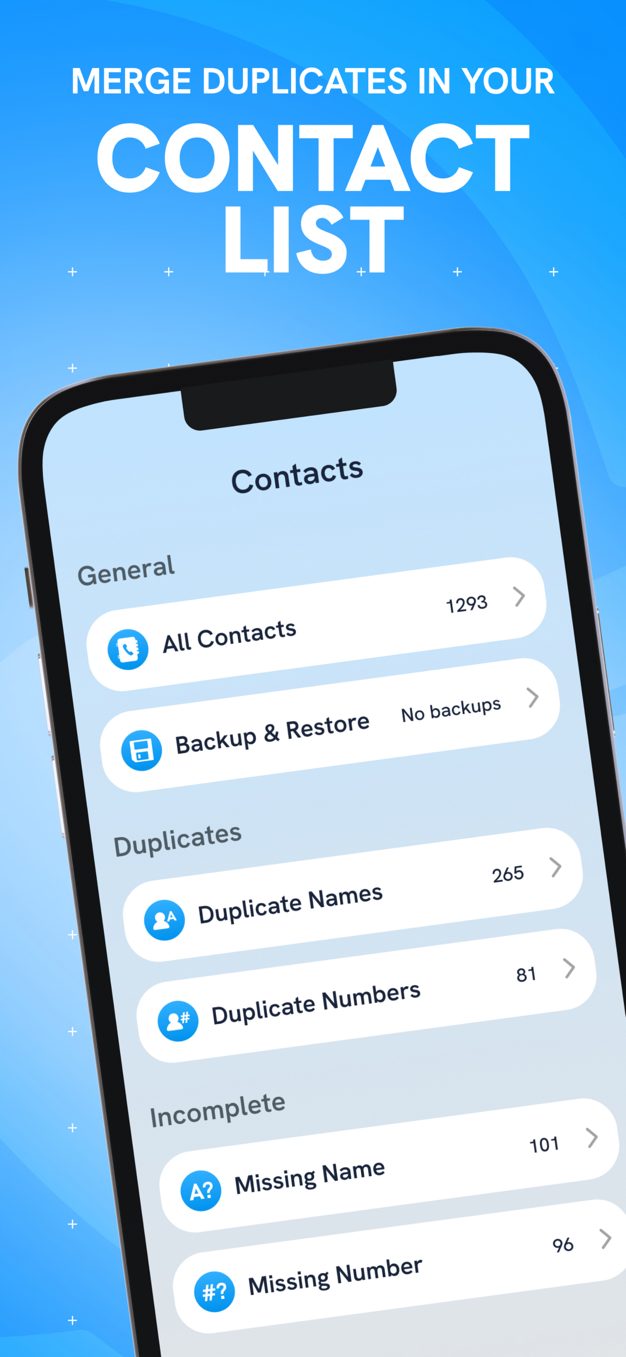
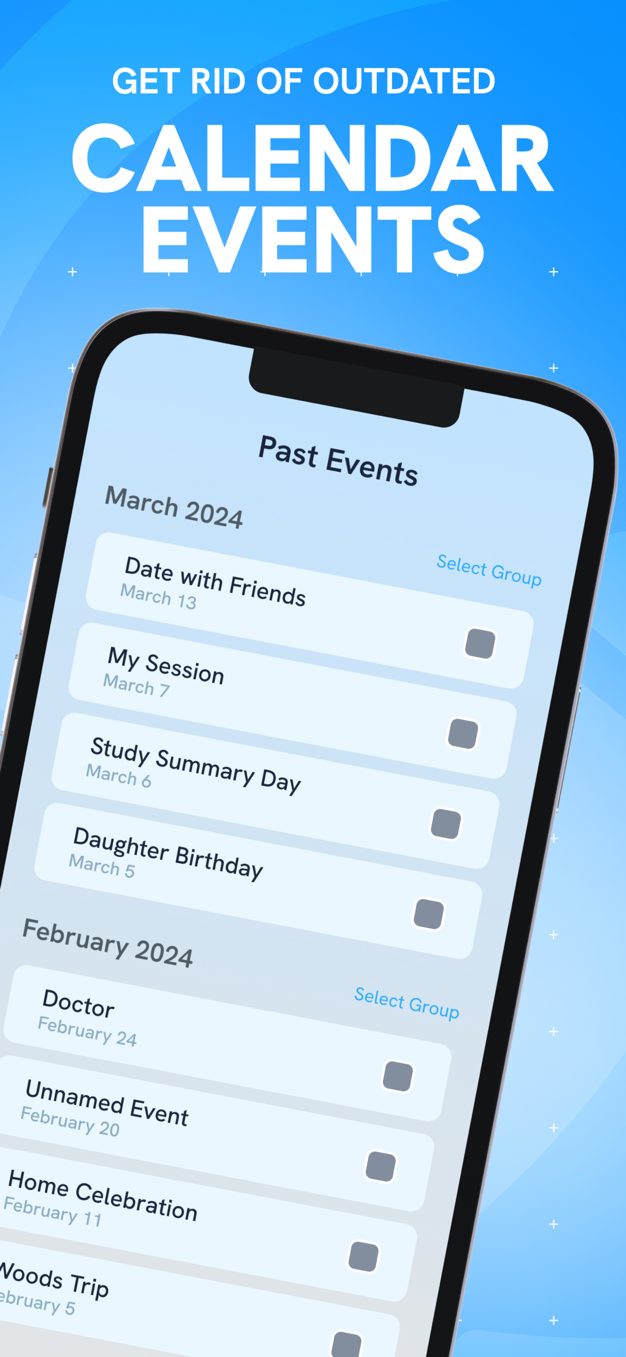
One caveat worth stating plainly: iOS keeps deleted media in Recently Deleted for 30 days, so space is not returned until you empty that album. Easy Clean prompts for this, but it is the step people miss when they report that cleaning 'did nothing'.
“Very good job today”
“GET IT NOW”
“Happy time”
What we liked
Worth knowing
A layered playbook for locking sensitive apps, handing your phone over safely, and surviving a stolen device without losing your data.
Stop friends, family and thieves from opening your private apps. A practical guide to per-app locks, unlock methods and the apps that make it easy.
Clear hidden caches, duplicate photos and bloated screenshot folders to free real space on iOS — without deleting anything you care about.
One email a week: storage wins, security settings worth changing, and the utilities that survived our testing.
No spam. Unsubscribe in one click.
15 in-depth guides and counting.