Security & Privacy
How to Protect Your Smartphone Data from Intruders, Kids, and Theft
A layered playbook for locking sensitive apps, handing your phone over safely, and surviving a stolen device without losing your data.
Jul 14, 2026 4 min read
A screen lock protects a sleeping phone. AppLock Pro protects the one you just handed to someone else.
We independently evaluate recommended products and services. When you buy or install through links on this page, we may earn a commission. This never affects our testing or verdicts.
Most of the moments your phone leaks data happen while it is already unlocked — a child playing a game, a friend scrolling holiday photos, a repair counter that needs your passcode. AppLock Pro's premise is simple: after the device opens, a second gate stands in front of the apps that matter. We installed it on a Pixel and a mid-range Samsung and used it as a daily driver for two weeks.
The onboarding walks you through creating a master unlock method, then asks for the accessibility and usage-access permissions Android requires for an app to detect what is running in the foreground. Those prompts look alarming out of context, but nothing works without them. Once granted, locking an app is a single toggle from a searchable list of everything installed.
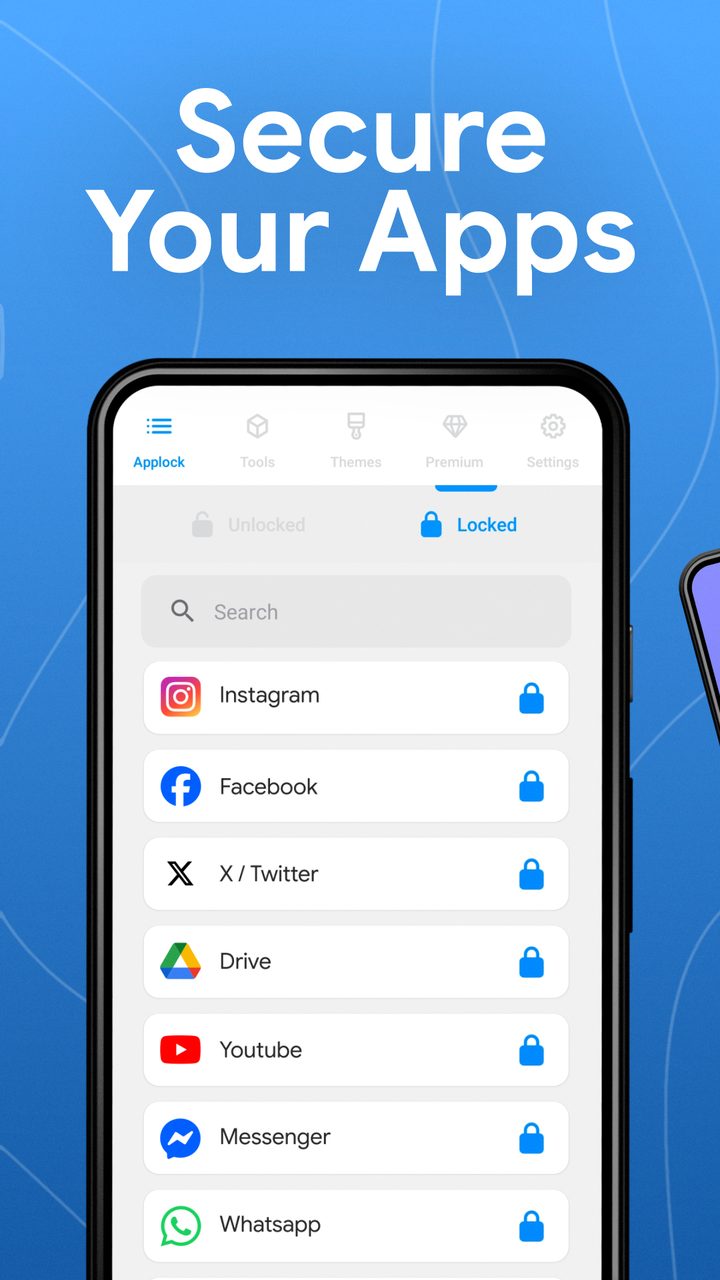
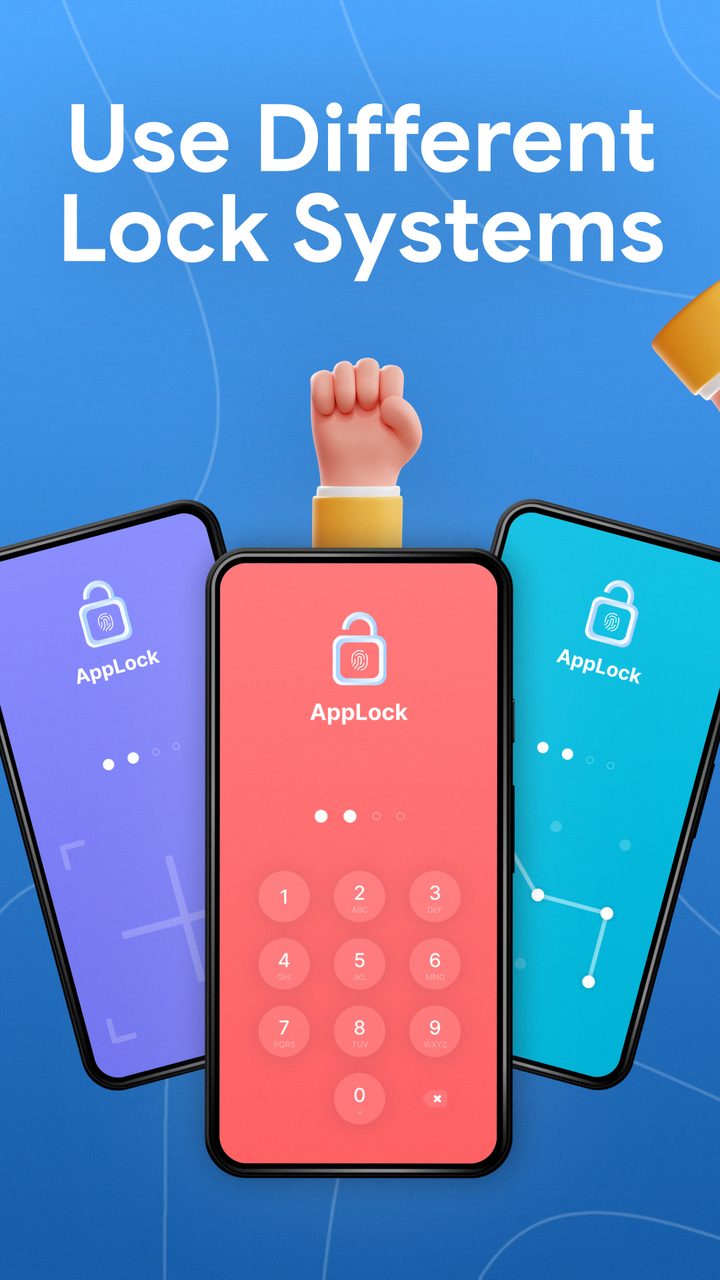
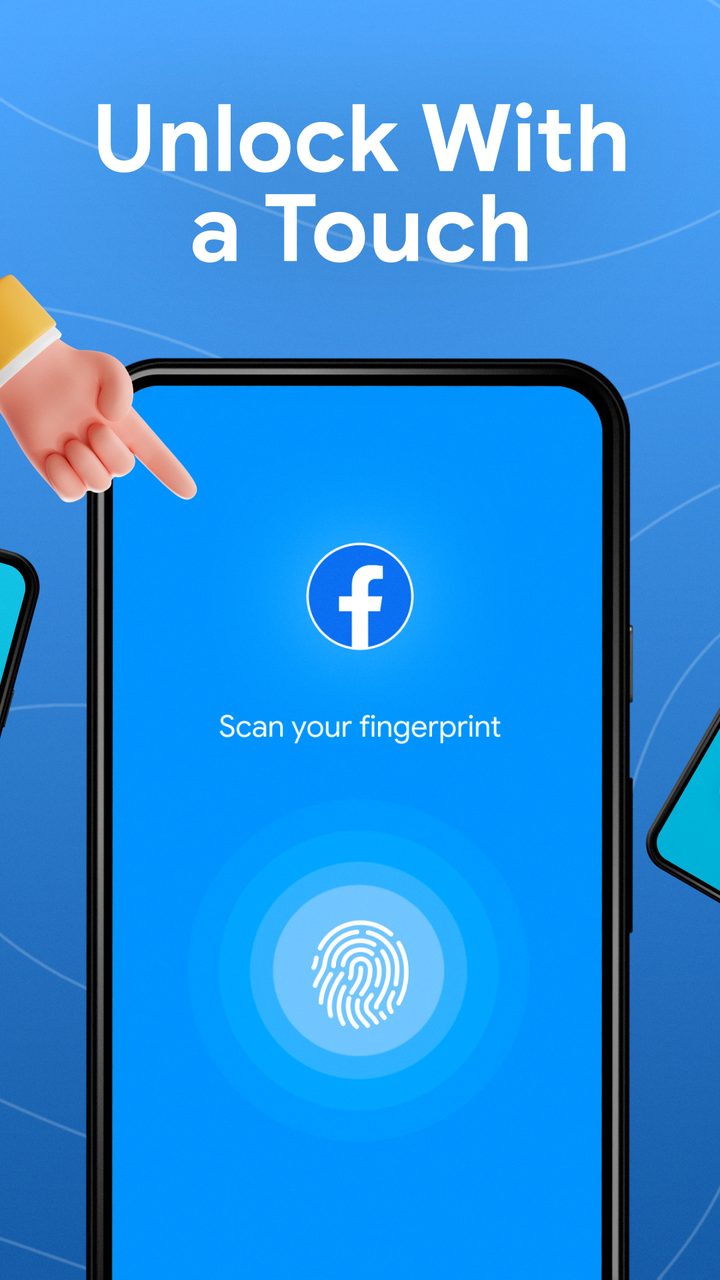
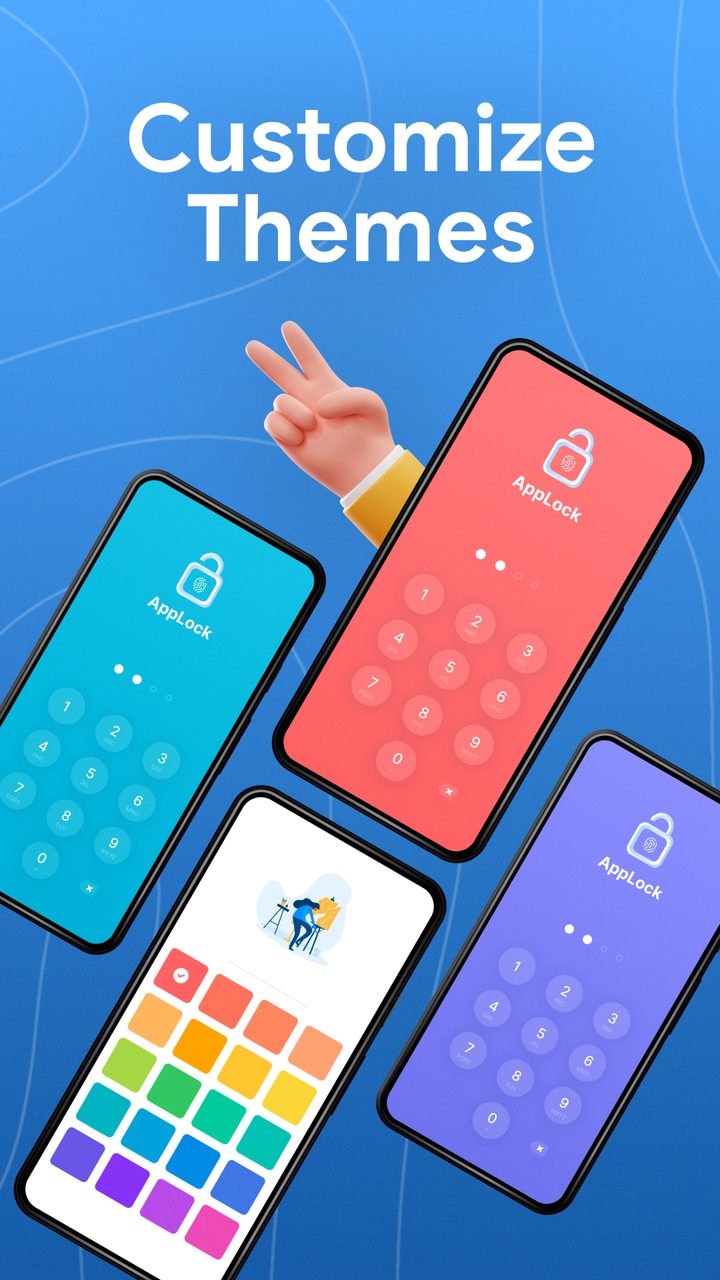
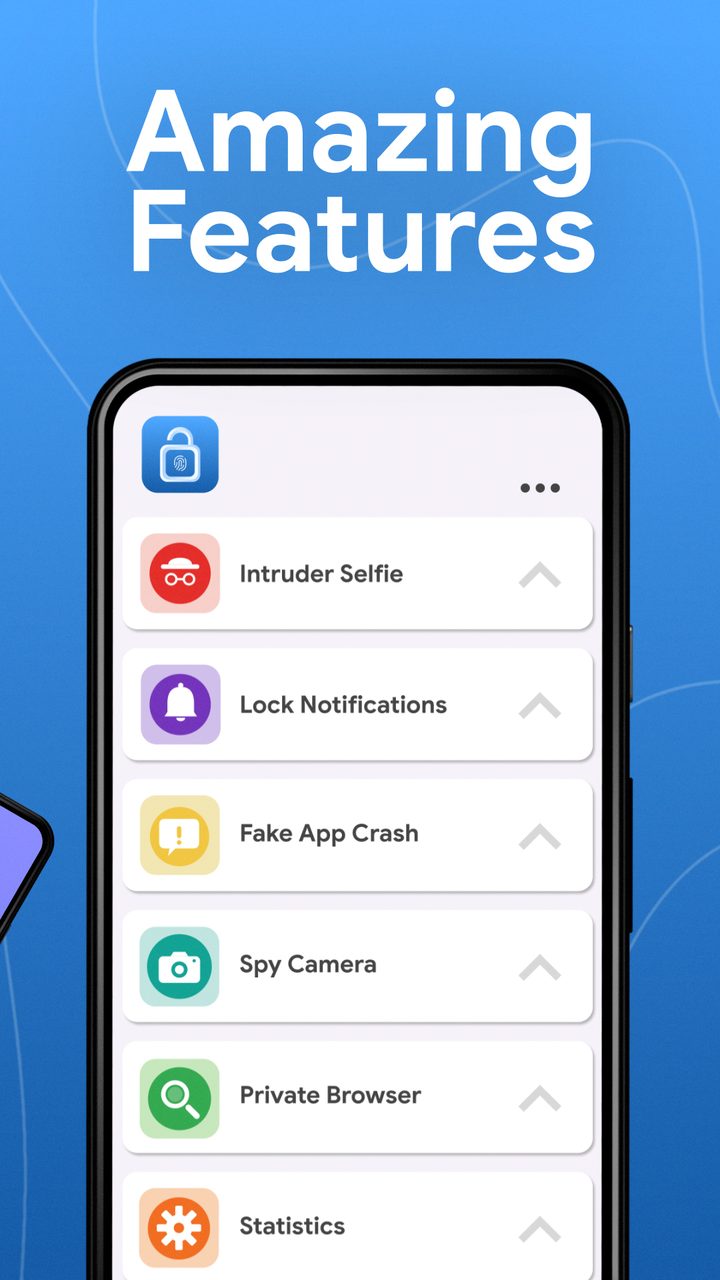
Biometric unlock keeps the tax low: banking and messaging apps opened in well under a second in our testing, which is the difference between a tool you keep and one you disable after a week. Battery impact over the fortnight sat inside normal daily variation. The one recurring annoyance is aggressive battery optimisation on some Android skins, which can suspend the locking service — whitelisting the app in battery settings fixed it on both test devices.
“The app is free. It gives you the option for biometric unlocking (face and fingerprint) or 4 - or 6-digit password. I love this app! it gives you privacy, and it's not one of those apps with a bug that destroys and takes over your phone. It also takes pics if someone get the password wrong!”
“It really does work, it gives you choices of how you want your apps to be locked (4 digit pins, 6 digit pins and a couple other more). and it's free. the point is, it really locks your apps. overall I think it's worth 5 stars”
“Great security, and easy to use. Highly recommend use for anyone wanting to keep applications private. Safe from children and other peeking eyes. Even I feel locked out when I try to bypass the security. Yes, great security!”
The value is not in locking everything. It is in locking the four apps that would ruin your week.
What we liked
Worth knowing
A layered playbook for locking sensitive apps, handing your phone over safely, and surviving a stolen device without losing your data.
Stop friends, family and thieves from opening your private apps. A practical guide to per-app locks, unlock methods and the apps that make it easy.
Clear hidden caches, duplicate photos and bloated screenshot folders to free real space on iOS — without deleting anything you care about.
One email a week: storage wins, security settings worth changing, and the utilities that survived our testing.
No spam. Unsubscribe in one click.
15 in-depth guides and counting.